
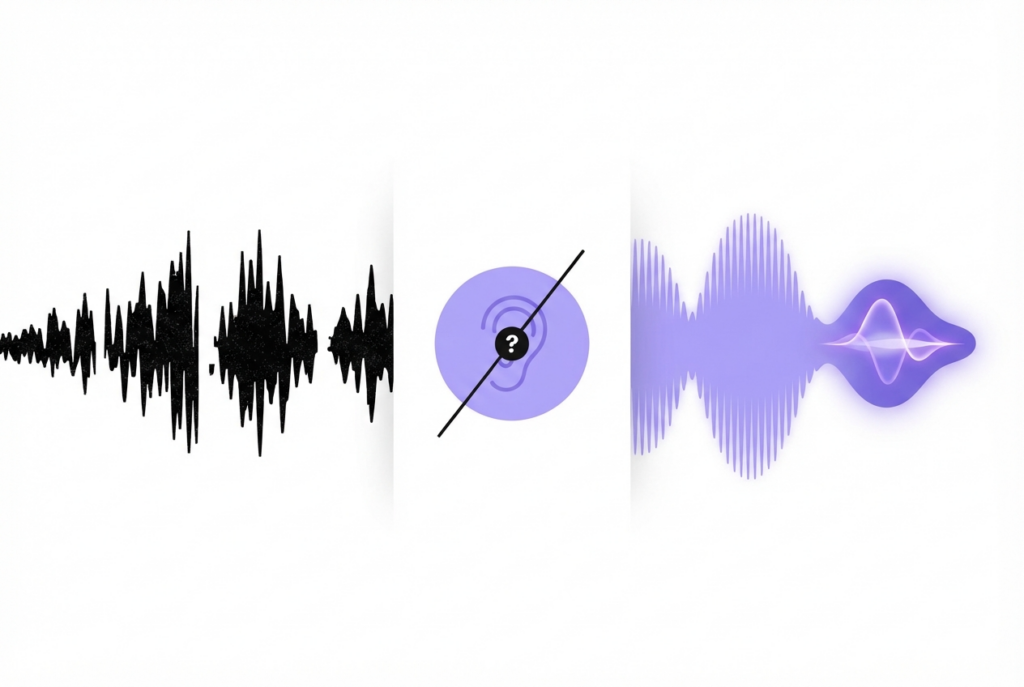
What Is Lossless Audio and Can You Hear the Difference?
Lossless audio preserves every bit of the original recording — no data is removed during encoding. Whether you can hear the difference from high-quality lossy formats depends on your equipment, the music, and your hearing.
Lossless audio has become a marketing term used by streaming platforms like Apple Music, Tidal, and Amazon Music HD. Understanding what it actually means — and whether it matters for your listening situation — helps you make informed decisions about file formats, storage, and streaming plans.
Lossy vs. lossless — the fundamental difference
Lossy formats (MP3, AAC, OGG) work by analyzing audio and removing data that psychoacoustic models predict won't be perceived by human hearing. The result is a smaller file with audio that sounds the same or very similar to the original on typical equipment.
Lossless formats (FLAC, WAV, ALAC) preserve every audio sample exactly as it was recorded. When you decode a FLAC file, you get back bit-for-bit identical data to the original recording — nothing removed, nothing approximated.
| Format | Type | 3 min song | Data removed | Quality |
|---|---|---|---|---|
| MP3 128kbps | Lossy | ~2.8 MB | ~90% | Good — artifacts at low volumes |
| MP3 192kbps | Lossy | ~4.3 MB | ~85% | Transparent for most listeners |
| MP3 320kbps | Lossy | ~7 MB | ~78% | Indistinguishable for most |
| FLAC | Lossless | ~15 MB | 0% | Perfect — bit-for-bit accurate ★ |
| WAV (16-bit) | Lossless | ~30 MB | 0% | Perfect — uncompressed |
| ALAC (Apple Lossless) | Lossless | ~15 MB | 0% | Perfect — Apple's FLAC equivalent |
Can you hear the difference?
This is the most contested question in audio. The research-based answer:
In controlled double-blind ABX tests, the majority of listeners — including experienced audiophiles — cannot reliably distinguish 192kbps MP3 from lossless when using typical consumer equipment (earbuds, Bluetooth speakers, phone speakers, mid-range headphones).
The difference becomes more reliably detectable when:
- Using high-end headphones (Sennheiser HD 800S, Audeze LCD series, Beyerdynamic DT 1990)
- Using a dedicated DAC and amplifier
- Listening to acoustic music with complex high-frequency content (classical, jazz with cymbals)
- Using low MP3 bitrates (128kbps and below) where artifacts are clearly audible
When lossless genuinely matters
Music production and editing
Always work with lossless files when editing. Every time you re-encode an MP3, you add generation loss. After 3–5 re-encodes, artifacts can become audible even at 192kbps. With WAV or FLAC, you can process a file hundreds of times with zero cumulative quality loss.
Archiving your music library
Store master recordings as FLAC. You can always create MP3 copies from FLAC. You cannot restore lost audio data from an MP3 back to lossless quality — the information is permanently gone.
High-end listening systems
With a proper DAC, amplifier, and reference headphones or speakers, the difference between 320kbps MP3 and lossless may become audible on certain tracks. Whether it's worth the 3–4× storage cost is a personal decision.
Convert or edit your lossless files — free, no upload
sound-goods accepts WAV and FLAC as input. Exports at 192kbps MP3.
Explore sound-goods Tools →Lossless streaming — Apple Music, Tidal, Amazon
Several streaming services now offer lossless tiers. The practical caveat: streaming lossless to Bluetooth headphones is pointless — Bluetooth codecs (SBC, AAC, aptX) re-compress the audio before transmission, eliminating any lossless benefit. For lossless streaming to matter, you need a wired connection and a DAC that bypasses the phone's audio processing.
Leave a Reply