
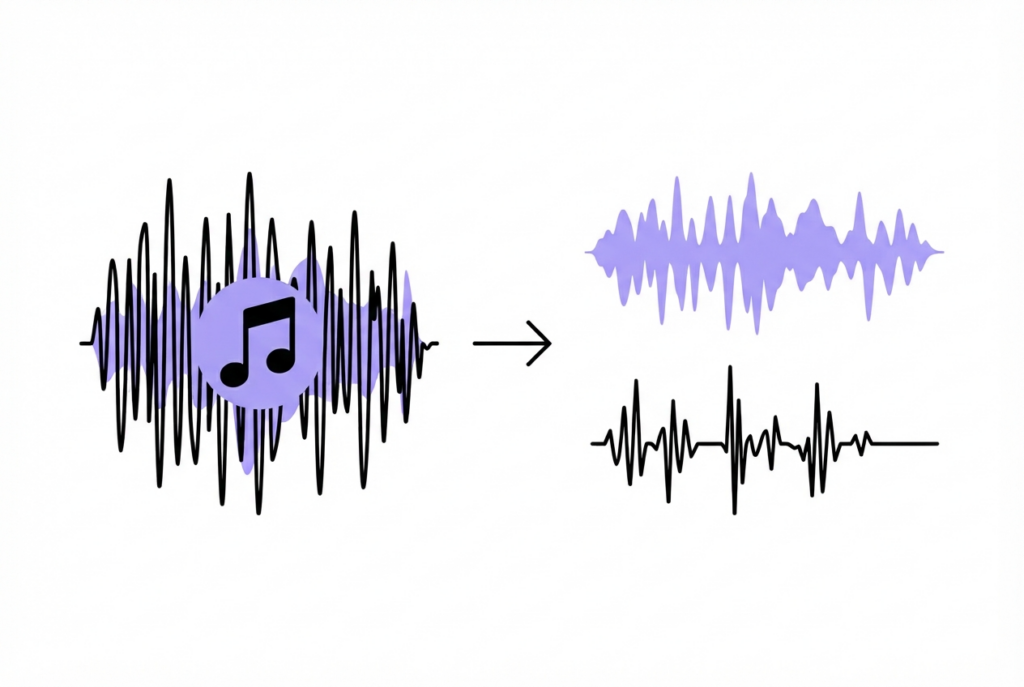
5 Ways to Remove Background Music from a Voice Recording
Removing background music from a voice recording is harder than removing vocals from a song — because in this case, the voice is what you want to keep. Here are five methods ranked by ease and result quality.
Whether it's an interview recorded in a café, a video testimonial with background music, or a voice note captured with a TV on in the background — separating voice from background music is one of the harder audio editing tasks. Here are five approaches, from the simplest to the most powerful.
Method 1 — Phase cancellation (works if recording is stereo + music is centered)
If your recording is stereo and the background music is centered in the stereo field while the voice is panned or varies between L and R, sound-goods Vocal Remover can sometimes help — but in reverse: in this case the "vocal" you want to keep is actually the voice, and the centered music would cancel.
Method 2 — AI audio enhancement (best results for speech isolation)
Adobe Podcast Enhance Speech (podcast.adobe.com/enhance) is the most accessible free AI tool for this task. It uses a speech isolation model trained specifically to separate voice from background noise and music.
Result: Excellent for speech isolation. Works on mono and stereo. Requires upload. Free with an Adobe account.
Method 3 — Noise reduction in Audacity (best for constant background noise)
Works well when the background music is constant and predictable (like a looping track or ambient store music):
- Open your recording in Audacity
- Find a section with only background music and no voice — even 1 second works
- Select that section → Effect → Noise Reduction → Get Noise Profile
- Select all (Ctrl+A) → Effect → Noise Reduction → reduce Noise Reduction by −12 to −18 dB → OK
- Export result
Result: Works well for constant background; reduces but rarely eliminates music completely.
Try phase cancellation vocal removal — instant, free
Works on centered vocals in stereo recordings. No upload.
Open Vocal Remover →Method 4 — AI stem separation for complex cases
LALAL.AI and Moises.ai use neural networks trained on millions of recordings and can separate voice from music more reliably than phase cancellation. They require uploading your file. Free tiers offer limited minutes per month.
Method 5 — Prevention (best approach)
The most reliable method is preventing the problem at recording time:
- Record in a quiet room or use a directional microphone that rejects off-axis sound
- Use a lavalier (lapel) microphone close to the speaker's mouth — the proximity advantage overwhelms background audio
- Ask the venue to lower music volume during recording
- Use a cardioid microphone pattern that rejects sound from behind and sides
Which method should you use?
| Method | Best for | Upload required | Quality |
|---|---|---|---|
| Phase cancellation (sound-goods) | Centered music, stereo recording | No | Variable |
| Adobe Podcast Enhance | Any voice recording | Yes | Excellent for speech |
| Audacity Noise Reduction | Constant background loops | No (desktop) | Good |
| LALAL.AI / Moises | Complex mixed recordings | Yes | Very good |
| Prevention | Future recordings | N/A | Perfect |
Leave a Reply