
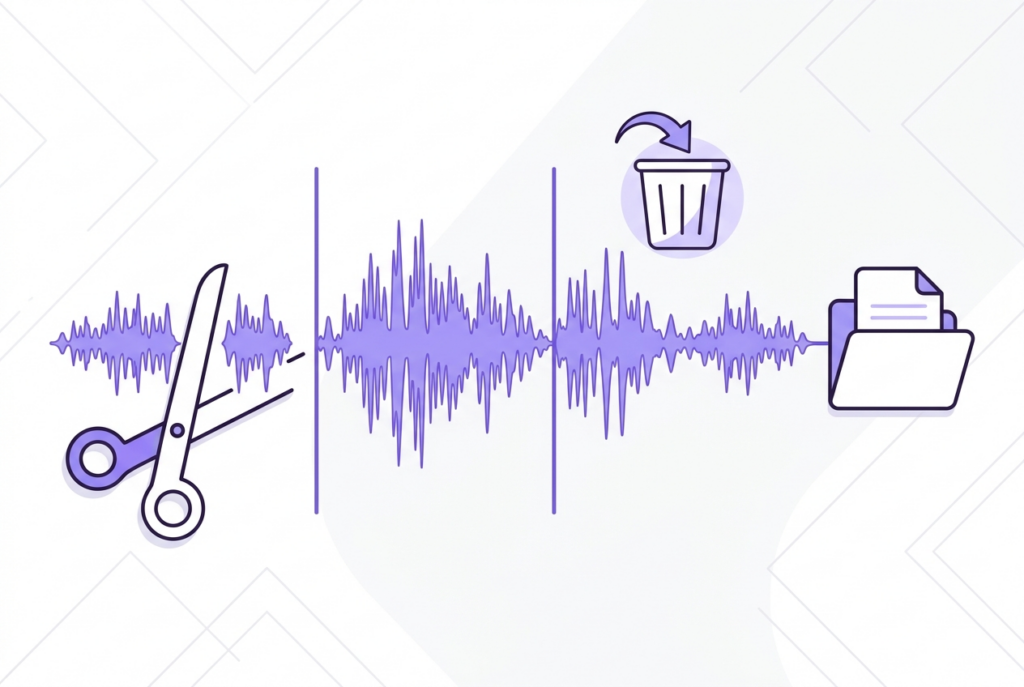
How to Trim a Song for Instagram Reels (60 Seconds or Less)
Instagram Reels supports clips up to 90 seconds. Trimming to exactly the right moment — starting at the hook — takes under 2 minutes in your browser with no upload.
Getting the audio right for a Reel makes a bigger difference than most creators realize. sound-goods Audio Trimmer gives you waveform-level precision to nail it every time, right in Safari or Chrome — no app needed.
How to trim audio for Instagram Reels
Open sound-goods Audio Trimmer
Go to sound-goods.com/trim-audio-online — drop your audio file. MP3, WAV, OGG, FLAC, M4A. Nothing uploaded.
Find the best section
Zoom up to 20× and locate the chorus or hook. Reels perform best when audio starts at the most recognizable, high-energy part.
Set your clip length
Drag the handles to:
- 15s — transitions, quick showcases
- 30s — standard storytelling
- 60s — tutorials, before/after
- 90s — max for Instagram Reels
Enable Loop preview
Turn on Loop preview and click Play. Instagram videos auto-replay, so test how your clip loops — adjust handles until the ending and start feel natural together.
Add fades and export
Set 0.5s Fade In and 0.5–1s Fade Out. Click Export MP3.
Trim your Reels audio now — free, no upload
Waveform zoom, loop preview, millisecond precision.
Open Audio Trimmer →Instagram Reels audio length guide
| Duration | Best for | Algorithm tip |
|---|---|---|
| 15s | Transitions, memes, quick reactions | Highest completion rate |
| 30s | Standard storytelling, lip sync | Best balance of reach and engagement ★ |
| 60s | Tutorials, before/after, skits | Good for educational content |
| 90s | Maximum allowed | Niche use — keep energy high throughout |
Reels vs. TikTok audio differences
- Instagram Reels — up to 90 seconds, polished aesthetic performs well, saves and shares weighted heavily by algorithm
- TikTok — up to 60 seconds standard, trending sounds discoverable in Sounds tab, watch time is the primary metric
The trimming workflow is identical for both. See: How to Trim Audio for TikTok.
Tips for Reels audio performance
- Start on a beat or lyric — dead air at the start loses viewers in the first half-second
- Loop-test your clip — use Loop preview to confirm the ending flows back to the start naturally
- Under 30 seconds for maximum reach — shorter Reels get higher completion rates
Frequently asked questions
90 seconds. However, clips under 30 seconds get higher completion rates and better algorithmic distribution.
Instagram accepts MP3, AAC, and M4A. sound-goods exports MP3 at 192kbps — fully compatible.
Yes, Instagram has a built-in trimmer. However it doesn't show a waveform, making precise cuts difficult. Use sound-goods for precision, then import the clip.
No. All processing runs locally in your browser. Your audio never leaves your device.
Yes — a 0.5s fade out prevents an abrupt cut when the Reel ends or loops, making the audio feel intentional.
Related guides
Go up
Leave a Reply