
What Is Audio Bitrate and Does It Affect Sound Quality?
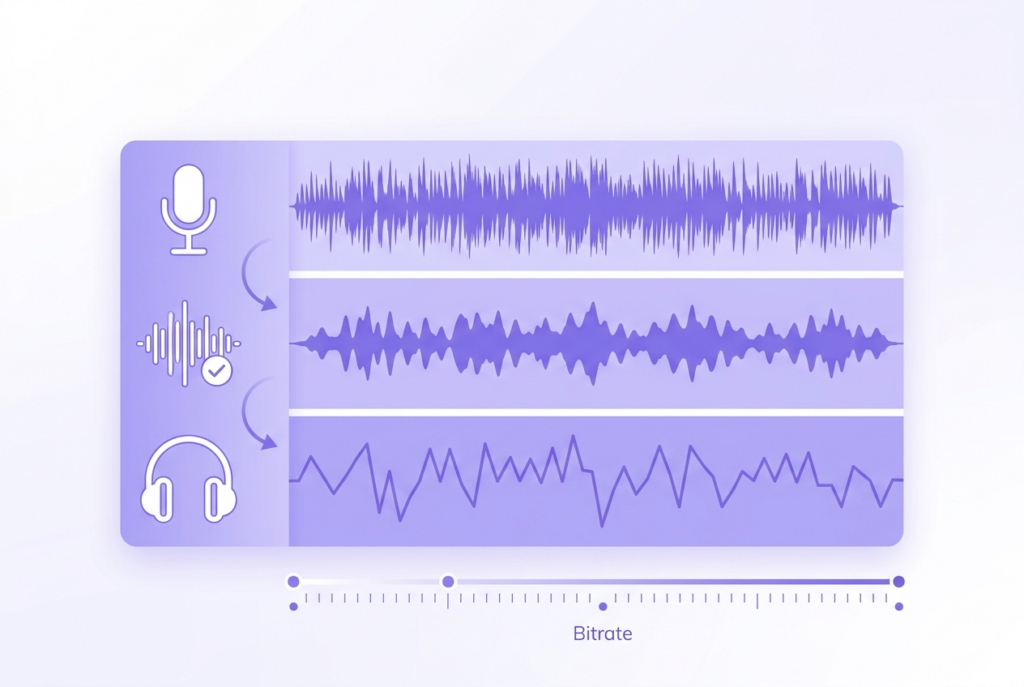
Audio bitrate is the amount of data used per second of audio. Higher bitrate means larger files and better quality — but only up to a point. At 192kbps, most listeners can't hear any difference from the original.
Bitrate is one of the most misunderstood concepts in digital audio. Understanding it helps you choose the right export settings, reduce file sizes intelligently, and know when higher quality actually matters.
What is audio bitrate?
Bitrate measures how many bits of data are used per second of audio, expressed in kilobits per second (kbps). A 192kbps MP3 uses 192,000 bits for every second of audio. Higher bitrate = more data = less compression = better quality — but with diminishing returns above a certain threshold.
Common MP3 bitrates compared
| Bitrate | 3 min file size | Quality | Best use |
|---|---|---|---|
| 64 kbps | ~1.4 MB | Noticeably compressed | Voice memos only |
| 96 kbps | ~2.1 MB | Acceptable for speech | Podcasts (voice-only) |
| 128 kbps | ~2.8 MB | Good — minor music artifacts | Podcasts, casual listening |
| 192 kbps | ~4.3 MB | Transparent — inaudible difference | Music, everyday use ★ |
| 256 kbps | ~5.6 MB | Transparent — universally | Quality-focused streaming |
| 320 kbps | ~7 MB | Maximum MP3 quality | Audiophiles, archiving |
Can you hear the difference?
For most people on consumer equipment — earbuds, Bluetooth speakers, phone speakers — the difference between 192kbps and 320kbps is inaudible in double-blind tests. The gap becomes perceptible only on high-end headphones or studio monitors with complex acoustic music.
Convert or edit audio at 192kbps — free, no upload
All sound-goods tools export at the transparent quality threshold.
Explore sound-goods Tools →Bitrate for specific use cases
| Use case | Recommended bitrate |
|---|---|
| Voice podcast | 128 kbps — speech doesn't need high bitrate |
| Music streaming/sharing | 192 kbps — transparent quality ★ |
| Ringtone | 192 kbps — phone speaker limits make this more than sufficient |
| Music production (editing) | Lossless (WAV/FLAC) — avoid re-encoding during editing |
| DJ/archival | 320 kbps — maximum quality when file size isn't a concern |
Leave a Reply