
MP3 vs AAC: Which Audio Format Is Better?
MP3 vs AAC: Which Audio Format Is Better?
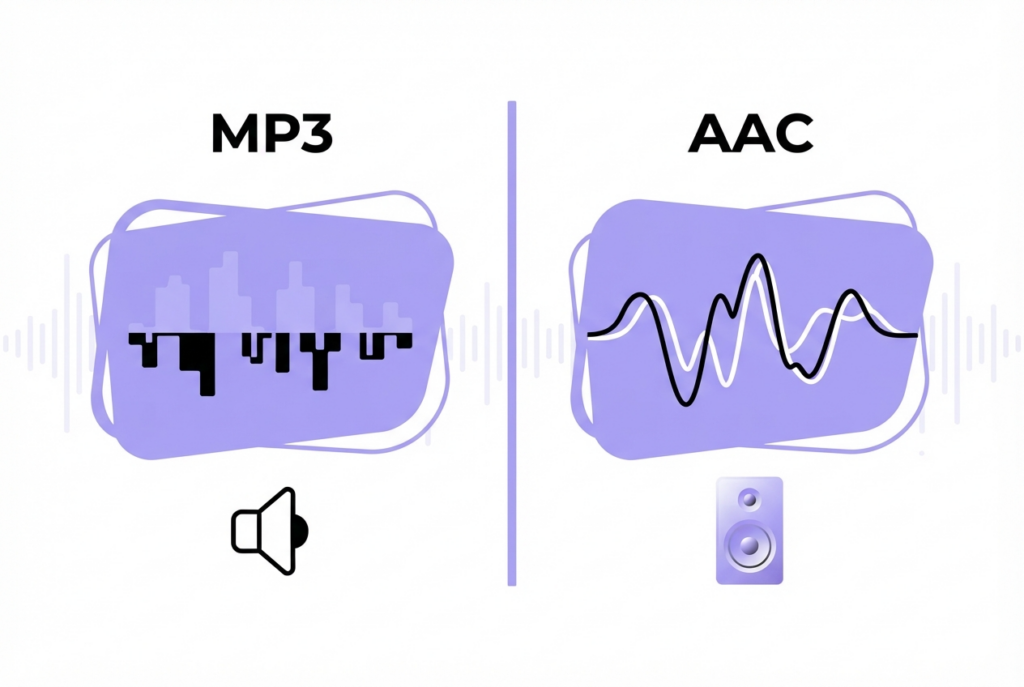
MP3 and AAC are both lossy audio formats, but AAC achieves better quality at the same bitrate. At 256kbps, AAC is roughly equivalent to MP3 at 320kbps — meaning you get the same quality at a smaller file size.
MP3 (MPEG-1 Audio Layer 3) and AAC (Advanced Audio Coding) are the two dominant lossy audio formats. Both work by removing audio data that is statistically unlikely to be perceived by human hearing. AAC does this more efficiently — it's simply a newer and technically superior codec.
MP3 vs AAC at a glance
| Feature | MP3 | AAC |
|---|---|---|
| Released | 1993 | 1997 |
| Quality at same bitrate | Good | Better — ~30% more efficient |
| File extension | .mp3 | .m4a, .aac, .mp4 |
| Max bitrate | 320 kbps | No hard limit (typically up to 320 kbps) |
| Universal compatibility | Every device since 1995 | All modern devices (2010+) |
| iPhone / iOS | ✔ | ✔ Native format |
| Android | ✔ | ✔ |
| Web browsers | All | All modern browsers |
| Open source | Yes (patents expired) | Patent-encumbered |
Which sounds better — MP3 or AAC?
At equivalent bitrates, AAC produces better quality because it uses more sophisticated perceptual coding algorithms. The practical comparison that matters:
- AAC 256kbps ≈ MP3 320kbps in perceived quality (AAC achieves it at a smaller file size)
- AAC 128kbps > MP3 128kbps — the quality gap is most audible at lower bitrates
- AAC 192kbps ≈ MP3 192kbps — both are in the transparent range for most listeners
When to use MP3 vs AAC
Use MP3 when:
- You need universal compatibility — including old devices, car stereos, and legacy software
- You're sharing files publicly where the recipient's device is unknown
- You're publishing podcasts (MP3 is the de facto podcast standard)
Use AAC when:
- You're creating content for Apple devices (iPhone ringtones require M4R, which is AAC)
- You want smaller files at equivalent quality
- You're working within the Apple ecosystem (iTunes, Logic Pro, Final Cut)
Can you convert between MP3 and AAC?
Yes, but converting from one lossy format to another always adds generation loss. Converting MP3 to AAC doesn't improve the audio — the lossy artifacts from the original MP3 encoding are already baked in. For best results, always convert from a lossless source (WAV or FLAC) if one is available.
Edit or convert your audio files — free, no upload
sound-goods exports all audio at 192kbps MP3. Works in any browser.
Explore sound-goods Tools →
Leave a Reply