
How to Remove Vocals from a Song for Karaoke
You can create a karaoke backing track from any stereo song in under 5 seconds — no upload, no account, and no waiting for AI processing. The vocal removal runs instantly in your browser.
Whether you want a backing track to sing over, an instrumental for a video, or just want to hear the music without the voice, this guide shows you the fastest way to remove vocals from any song using sound-goods Vocal Remover — a free browser tool that never uploads your file.
How to remove vocals for karaoke — step by step
Create your karaoke track now — free & instant
Your song never leaves your device. Works in any modern browser on desktop and mobile.
Open Vocal Remover →What you get: two tracks, not one
sound-goods generates both stems at the same time — you don't have to choose before processing. Both are ready to preview and download independently.
How phase cancellation works (the honest explanation)
Most tools that claim "AI vocal removal" actually use one of two approaches. sound-goods uses the faster of the two — stereo phase cancellation — and is transparent about what it can and can't do.
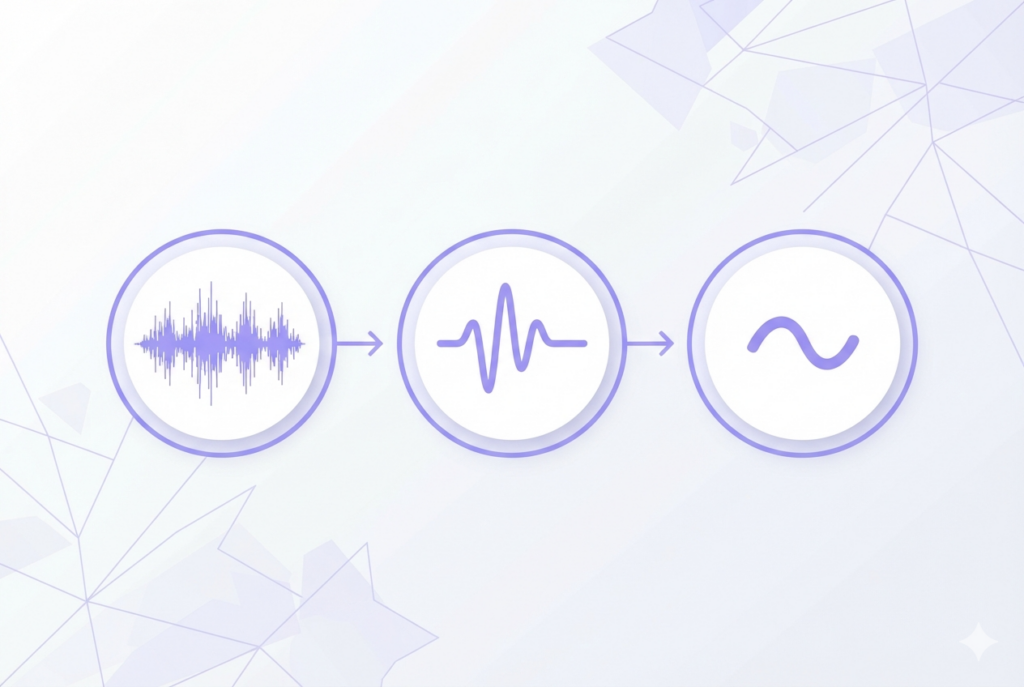
In a professionally mixed stereo recording, the lead vocal is placed dead center — meaning it appears at equal volume in both the left and right channels. When you subtract the right channel from the left channel sample by sample, center-panned material cancels to zero. Instruments panned left or right survive because they're different in each channel.
The result is the instrumental. The difference between the original and the instrumental gives you the vocal isolation.
Phase cancellation vs. AI separation — which should you use?
| Factor | sound-goods (Phase Cancellation) | AI Tools (LALAL.AI, Spleeter) |
|---|---|---|
| Processing time | Under 1 second | 5–30 minutes |
| File upload required | No — 100% local | Yes |
| Cost | Free, unlimited | Usually paid or credit-limited |
| Works on mono files | No | Yes |
| Quality on clean stereo pop/rock | Excellent | Excellent |
| Quality on heavy reverb / modern pop | Good (use blend slider) | Better |
| Privacy | File never leaves device | File uploaded to server |
Use sound-goods when: you need instant results, your file is a commercially released stereo recording, or you can't share the audio with a third-party server. Use an AI tool when: the song has heavy vocal effects, a mono mix, or you need the absolute cleanest possible separation and can wait.
Which songs work best?
Phase cancellation is most effective on recordings that meet these criteria:
- Stereo format — the file must have two distinct channels. Mono recordings produce silence.
- Center-panned lead vocal — standard in nearly all commercially released music since the 1970s.
- Instruments panned off-center — guitars, keys, and synths typically sit left or right in the mix.
- Minimal vocal reverb — reverb spreads the vocal into the stereo field, which reduces cancellation effectiveness.
- Classic pop, rock, country, R&B — these genres typically have the cleanest center vocals.
Use cases beyond karaoke
Singing practice and covers
Extract the instrumental to sing along to, record your own take, and compare it directly to the original vocal (which you can export separately). This is the cheapest and fastest way to create practice backing tracks without paying a session musician.
Background music for videos
Remove the vocal from a song you love to use it as video background music. Since you're not distributing the vocal, this can reduce — though not eliminate — copyright issues with platforms like YouTube. Always check the song's license before publishing.
Remixing and sampling
Export the vocal isolation to use a voice in a new production. The isolated vocal contains everything centered in the mix — typically the lead voice and any center-panned elements — making it a starting point for mashups and remixes.
Acapella creation
The Vocal Isolation track is an acapella version of the song. While it may contain some instrument bleed on complex mixes, it works well for mashups where you layer it over a different instrumental.
Leave a Reply