
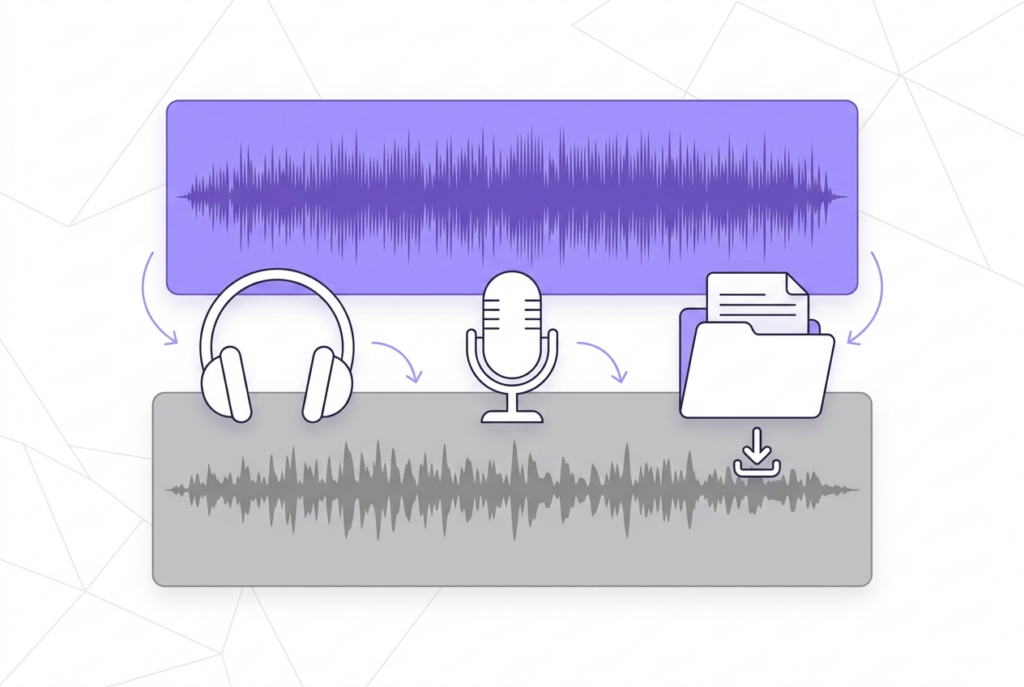
How to Make a Karaoke Track from Any Song
A karaoke track is an instrumental version of a song with the lead vocal removed. This guide covers the instant browser method and when AI tools produce better results.
There are two approaches: phase cancellation (instant, browser-based, free) and AI stem separation (slower, often paid, better on complex mixes). sound-goods Vocal Remover uses phase cancellation — results in under a second.
How to make a karaoke track
Load your song
Go to sound-goods.com/remove-vocals-from-mp3-online and drop your stereo MP3. Decoded locally — no upload.
Separation runs instantly
Both the Instrumental and Vocal tracks appear almost instantly. No wait, no queue.
Preview the Instrumental
Click Play on the 🎸 Instrumental panel. Listen for vocal removal quality and check for instrument bleed.
Adjust blend slider if needed
If the result sounds hollow, try 75–85% Vocal Removal Strength. This retains some center-channel content and often sounds more natural on complex productions.
Export Instrumental
Click Export Instrumental → 192kbps MP3 downloads — your karaoke backing track.
Create your karaoke track — instant, free, no upload
Both instrumental and vocal stem available. No AI wait.
Open Vocal Remover →Which songs work best?
| Song type | Result | Why |
|---|---|---|
| Classic pop/rock (70s–90s) | Excellent | Lead vocal centered; instruments wide |
| Modern pop | Good | Professional mixing keeps vocal centered |
| R&B and soul | Good | Lead works; backup harmonies may disappear too |
| Heavy metal | Variable | Distorted guitars often centered — may cancel |
| EDM/electronic | Variable | Synth leads can be center-panned |
Legal note on karaoke tracks
Creating a karaoke version for personal use is generally tolerated. Distributing or selling karaoke versions requires a synchronization license from the rights holder. Publish karaoke content on YouTube and expect Content ID claims from the original rights holders.
Frequently asked questions
A karaoke track is an instrumental version of a song with the lead vocal removed, providing the full musical backing for a singer to perform over.
It removes center-panned vocals effectively on most commercial stereo recordings. Tracks with heavy reverb or stereo-widened vocals may retain some vocal bleed.
Yes. sound-goods generates both the Instrumental and Vocal Isolation simultaneously. Export either as separate MP3 files.
For personal use, generally tolerated in most countries. Distributing or selling requires a synchronization license.
Stereo MP3 at 192kbps or higher, or WAV/FLAC. Mono files produce silence with phase cancellation.
Related guides
Go up
Leave a Reply